Running Games
psp-js runs in your browser. You point it at a game image and run it.
What you need
- A game in ISO or PBP (
EBOOT.PBP) form. You provide your own dumps; none are bundled. - A browser with WebGL and
SharedArrayBuffersupport (current Chrome, Edge, Firefox, Safari).
Loading a game
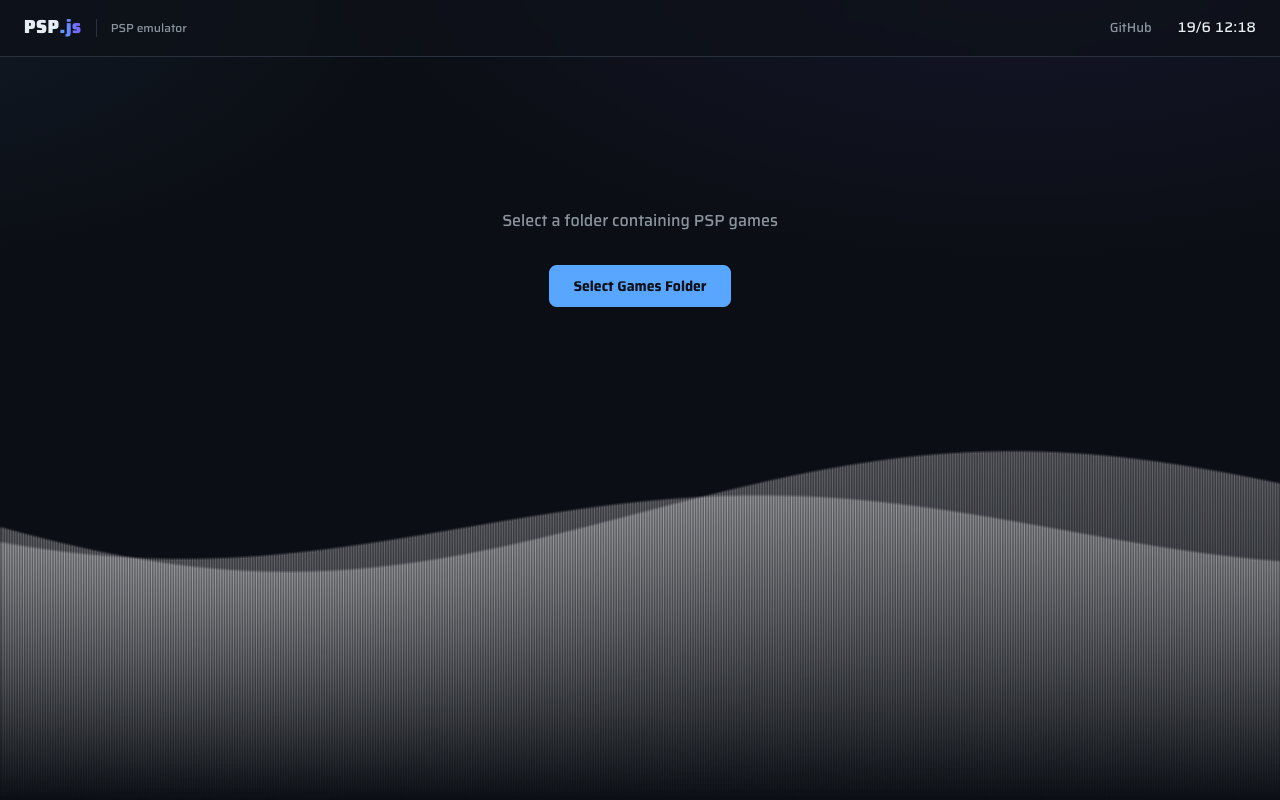
From the library screen you can:
- Pick a folder of games and choose one from the library, or
- Open a single file (an
.isoor a.pbpEBOOT).
Click a game to boot it, or use the gear to open its options screen first, where you can change the renderer, resolution, and audio before booting. Press Boot game to start.
You can also deep-link a served game with a URL parameter:
?iso=/path/to/game.iso     # fetches and boots an ISO served from the site
?homebrew=<dir>            # boots directory-style homebrew served from public/
The gameplay screen
While a game runs you get a top bar and a HUD:
| Control | What it does |
|---|---|
| FPS / Frame / TID / PC | Live readouts: frames per second, frame counter, current thread id, program counter |
| Pause | Pause/resume the emulator |
| Step | Advance exactly one frame (enabled while paused) |
| Fullscreen | Fill the screen; the canvas keeps its 480×272 aspect |
| Debug ▸ | Show/hide the debug panel |
| ← Back | Return to the game library |
The canvas renders at the PSP's native 480×272 and is scaled up with crisp (pixelated) filtering.
Cladun: This is an RPG running in psp-js.
See Controls for input, Settings for the renderer/resolution/audio options, and Save States & Savedata for saving your progress.